For clients who set the rebate destination to “MyWallet XM” when validating their trading account in the PipsbackFX member area, the rebate will be credited to their XM wallet and not their XM trading account. Here’s how to withdraw rebates from your XM wallet:
- Log in to the XM member area or XM App.
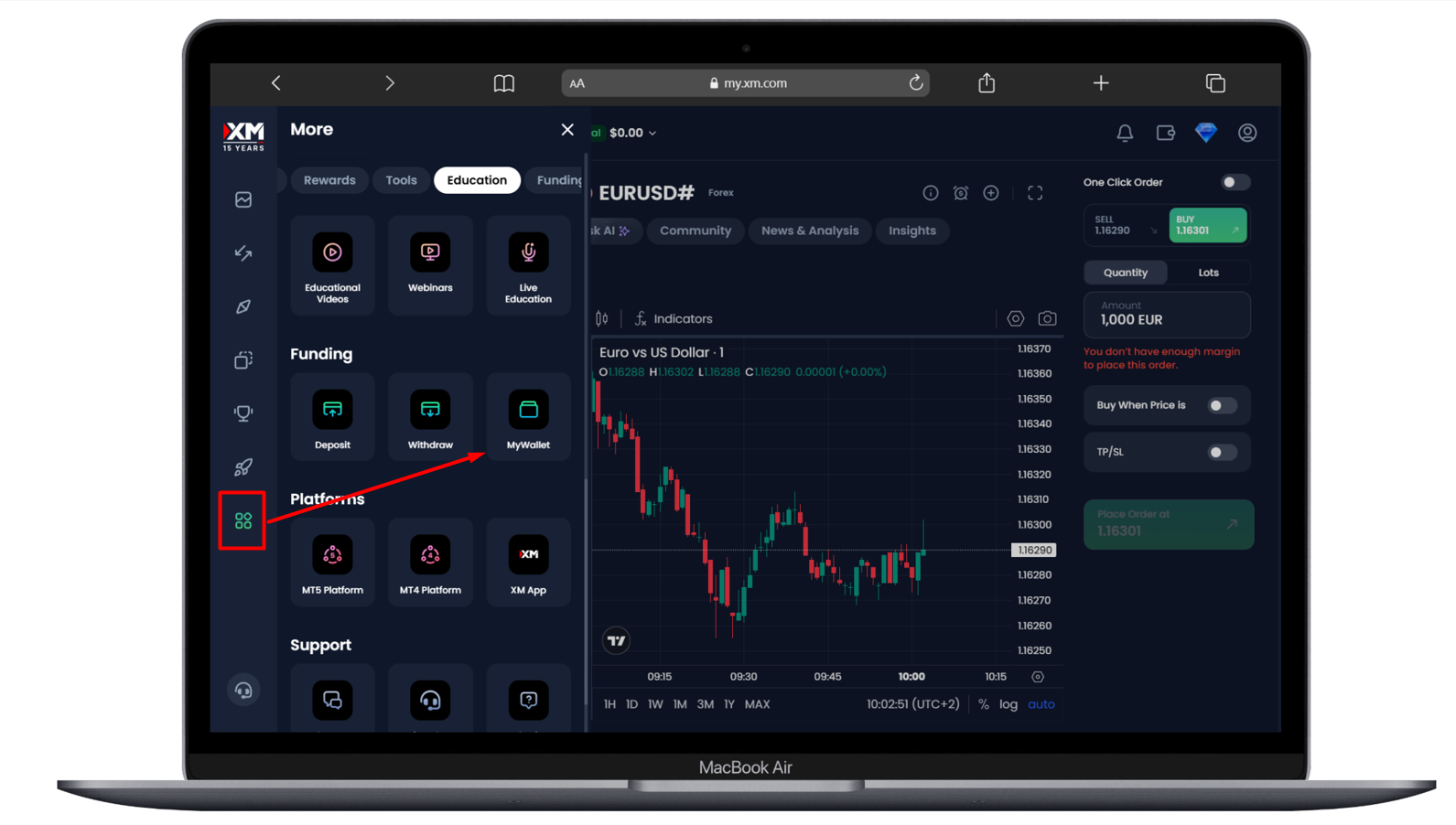
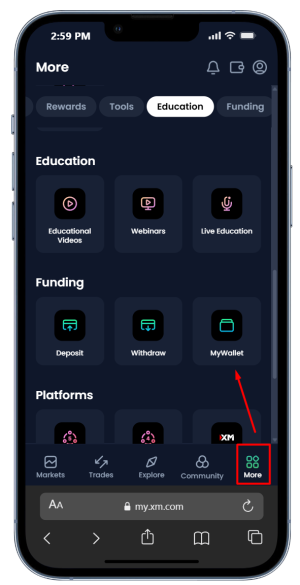
- Then, find the “MyWallet” menu, as shown below:
DESKTOP VIEW
MOBILE VIEW
- Transfer your XM wallet balance to your active trading account, then withdraw from your trading account using your usual payment system.